Video uniquifier and AI video editing in Telegram
One bot for Reels, TikTok and Shorts. AI edits your raw recording — pauses, captions, hook, inserts and sound — and the uniquifier makes new versions of finished videos and photos. Plus merging, video circles, 9:16 and 20 more tools.
🎁 Your first edit (with a watermark) and first uniquifying are free · no sign-up, no passwords
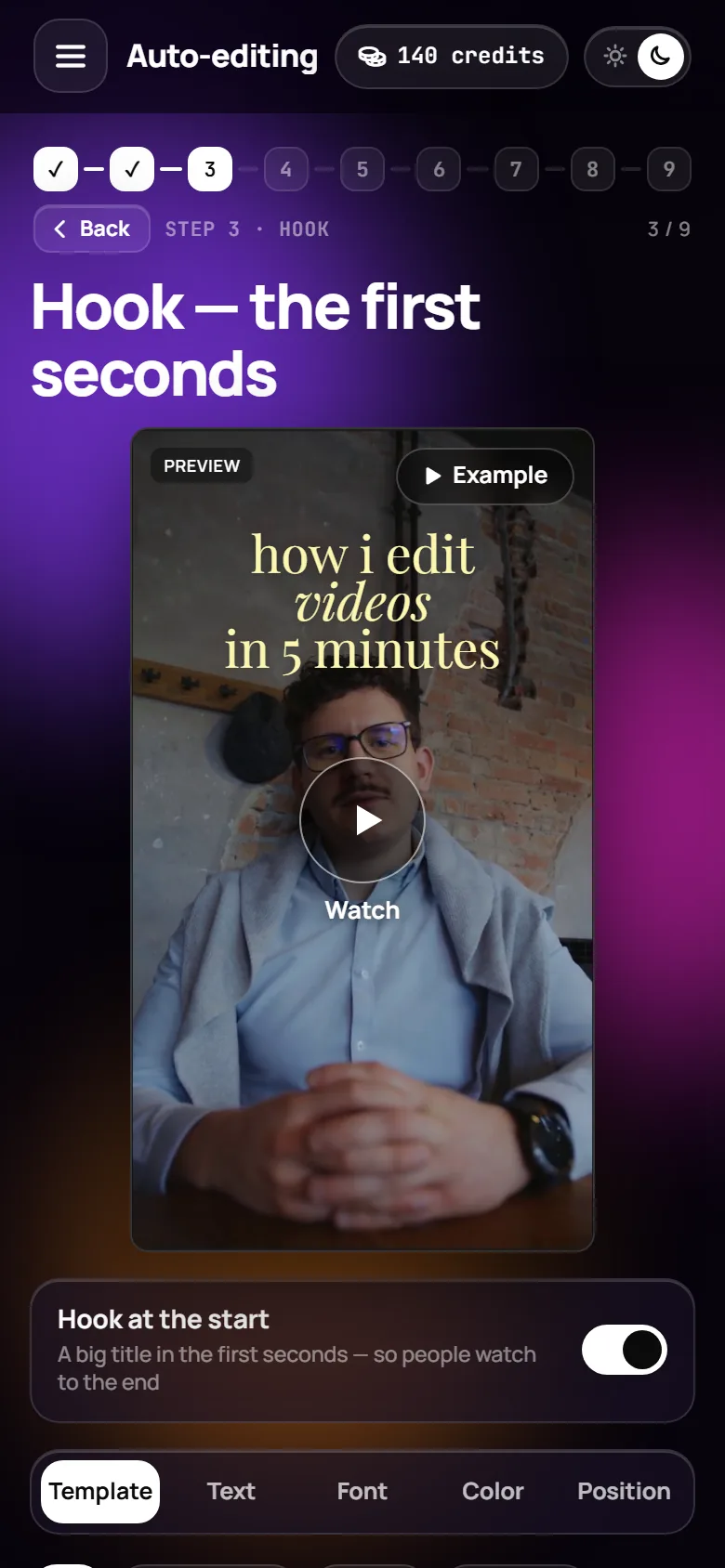
Editing done by the bot
The core feature: turn a talking-head recording into a finished video for Reels, TikTok and Shorts. Details are on the video auto-editing page.
AI cuts pauses, slips of the tongue and bad retakes, keeping the best take of every phrase.
Words appear in sync with speech, the first line becomes a big hook, and numbers and lists turn into matching widgets.
Hook, captions, inserts, transitions, camera, effects and sound — a live preview at every step; fonts and colors are adjustable.
Plus video uniquifying
Make a finished video unique for reposting: three levels, batches of ×3–×10 copies. Learn more: video uniquifying.
One-click video uniquifying
Pick a level and the number of copies — the bot makes new versions of your video in its original format, without extra re-encoding. For details on how it works, see the video uniquifying page.
Light is barely noticeable, Medium adds a subtle color grade and zoom, Hard gives maximum uniqueness. The bot shows what percentage of the frame was changed.
Turn one video into several different versions for different accounts, each with its own settings.
Upload a logo or a "link in bio" text and it is added to all your videos and photos automatically.
Video editing
AI editing of talking videos: pauses, captions, hook, inserts and sound — for every platform.
Video and audio tools
Each tool is a separate process in the same bot. Prices are in credits.
Photo editor
Photo uniquifying, Instagram formats, backgrounds, collages, carousels and videos from photos.
How it works
Right in Telegram — in a chat with the bot or in the mini app inside Telegram.
- Send a video or photo
As a file, up to 2 GB and up to 30 minutes, so Telegram doesn't compress it.
- Choose an action
Uniquifying level, format, captions or any tool. You see the price right away.
- Get the result
Usually 1–3 minutes. The finished files arrive in the chat — save them and post.
Pricing
🔥 15% off all plans until 25 ноября
Packages are counted in edits — exactly as many videos as the name says. One edit costs 20 credits, video uniquifying is 9 credits per copy, and any other tool is 1 credit. Credits never expire. Pay by card, SBP or Telegram Stars.
- 1 edit · 20 credits119 ₽
149 ₽· 76 ⭐ - 5 edits · 100 credits419 ₽
500 ₽· 259 ⭐ - 10 edits · 200 credits799 ₽
950 ₽· 489 ⭐ - 20 edits · 400 credits1529 ₽
1800 ₽· 922 ⭐ - 100 edits · 2000 credits6799 ₽
8000 ₽· 4084 ⭐
By paying, you accept the terms of the public offer.
From the blog
FAQ
Will the video quality drop?
No. The changes are invisible to the eye, and the video is encoded at a high bitrate. Just make sure to send the video as a file, not as media, so Telegram doesn't compress it.
What is the difference between the levels?
Light makes barely noticeable changes. Medium adds a subtle color grade and zoom and works well for reposting. Hard makes visible changes for maximum uniqueness. Every copy gets its own random settings.
Can I uniquify other people's videos?
The service is meant for your own content and content you have the rights to. Posting other people's videos without the author's permission violates copyright and platform rules.
How long does processing take?
A 30–60 second video usually takes 1–3 minutes. A batch of 10 copies or a long video takes longer.
What if processing fails?
Your credits are automatically returned to your balance. If the problem persists, contact support at @uniqigmanager.
Is there a partner program?
Yes, for everyone: 10% in credits from every purchase made by users you invite, credited to your balance instantly. For bloggers and teams: 20% in cash on request to a manager. See the rules for details.